

What it is
Your website becomes your booking desk.
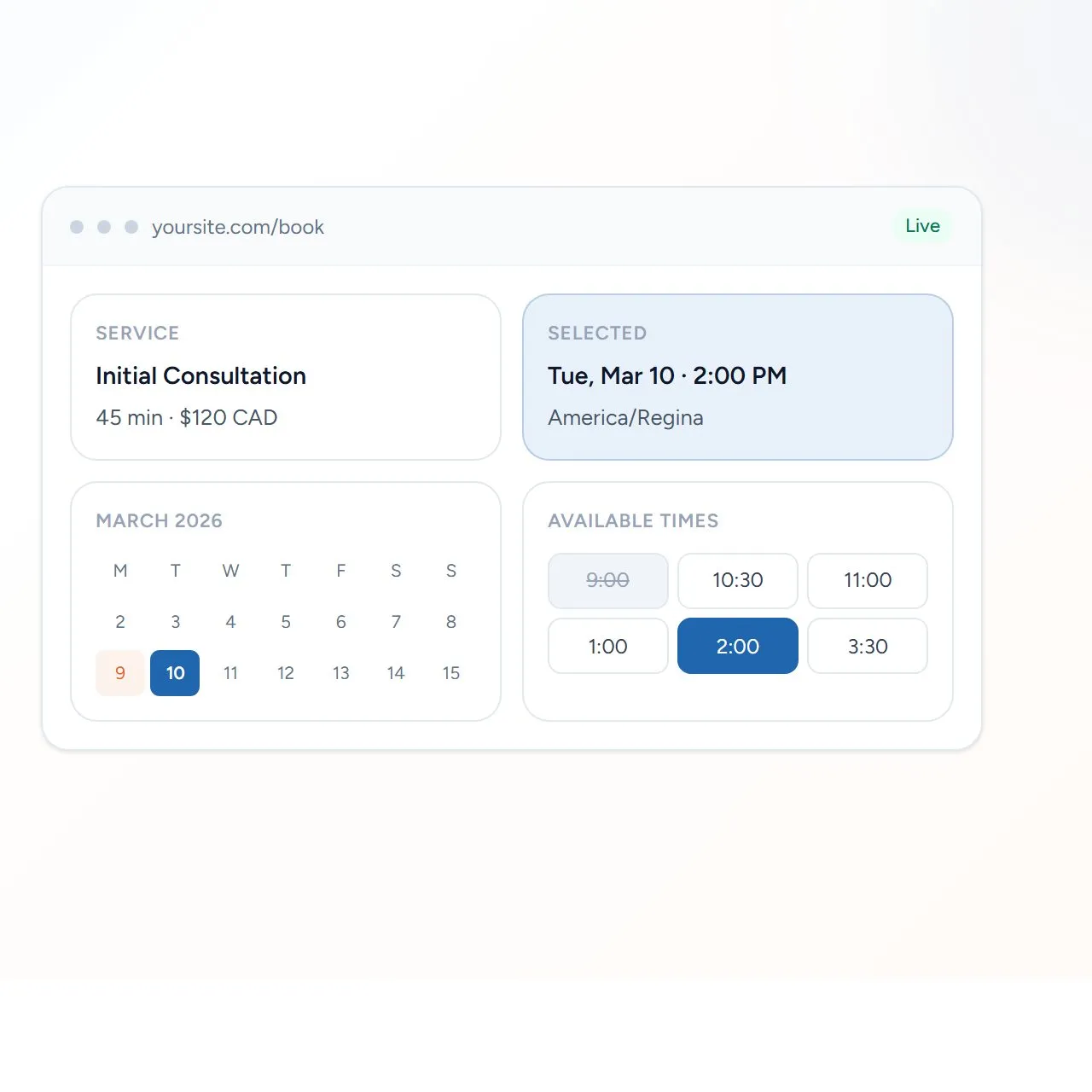
EnvisaSoft Calendar is the appointment scheduling product at calendar.envisasoft.com, presented there as EnvisaBook by EnvisaSoft. Clients book on your WordPress site. You manage availability, payments, and appointments from WordPress.
EnvisaSoft Calendar is a shipped product, not a client case study. It is operated as a product of Author Elixir Inc. and presented here as part of the EnvisaSoft product ecosystem.
On the product website it is branded EnvisaBook by EnvisaSoft. Clients book without leaving your WordPress site. You stay in control of availability, payments, and appointments.
Capabilities
What you get today.
Capabilities in the product today, not a roadmap.
Online booking
Clients book directly from your website with the EnvisaBook shortcode.
Flexible availability
Weekly hours, split shifts, holidays, custom dates, and manual blocks.
Services and pricing
Multiple services with duration, buffer time, price, and currency.
Online payments
Accept paid bookings through Stripe. Free services work without Stripe.
Google Calendar
Busy time blocks availability. Optionally write confirmed appointments back.
Automatic notifications
Keep clients and providers informed about booking activity by email.
Provider calendar
Day and week views with appointments, busy periods, and manual blocks.
Client rescheduling
Clients can securely reschedule eligible appointments under your rules.
WordPress native
Add the EnvisaBook shortcode to a page. Availability is calculated on your server.
How it works
Configure. Add to a page. Clients book.
- 01
Set services, pricing, duration, and availability in WordPress.
- 02
Place the booking interface on a WordPress page with a shortcode.
- 03
Clients see real availability and book online, paying if required.
- 04
Confirm, cancel, reschedule, and review appointments from WordPress.
Integrations
WordPress, Stripe, and Google Calendar.
WordPress
EnvisaSoft Calendar is a WordPress booking plugin. Add the EnvisaBook shortcode to a page to show the booking interface. Availability is calculated on your server.
Stripe
Paid appointments use Stripe Checkout. Pricing is calculated on the server. Free services work without Stripe.
Google Calendar
Connected Google Calendar busy time blocks booking slots. Confirmed appointments can optionally be written back to Google Calendar.
Product interface
Your schedule at a glance.
Product interface from calendar.envisasoft.com, not a conceptual mock.
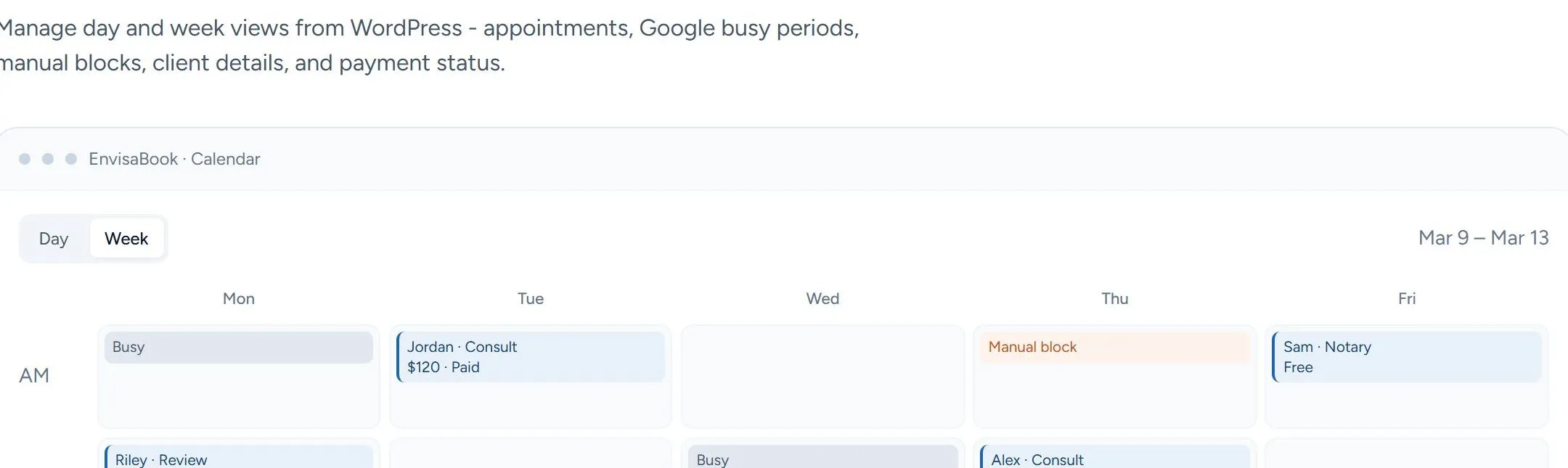
From calendar.envisasoft.com
Controls
Built with the controls we actually ship.
Product information, not a certification or a claim of legal compliance.
- Server-authoritative availability
- Booking conflict protection
- Secure client booking access sessions
- Stripe webhook verification
- Google OAuth for calendar access
- Rate limiting on public booking endpoints
Pricing
Straightforward pricing.
- 14-day free trial. No credit card required at signup.
- Starter is $4.99 USD/month for one active WordPress website
- Professional is $9.99 USD/month and adds Google Calendar write-back and SMTP email delivery
- One subscription covers one WordPress website
- Client appointment payments through Stripe are separate from the subscription
- Cancel anytime from the Stripe customer portal
Appointment payments your clients make are separate from your EnvisaSoft Calendar subscription. Custom pricing is available for larger organizations or tailored setups.